

Before getting into the tools themselves, the distinction between removal and deindexing is worth understanding. Removing content means deleting it from the source, the actual page or file off of the website/server. Deindexing means telling Google not to show it in search results, but the page can still exist this way.
If someone else has published something about you that you want gone, Google’s tools won’t help with that. You need to go to the source directly, and if that isn’t possible, there are legal routes available in some circumstances. Google only processes removal requests for content that you control via Search Console, or for specific categories of personal information.
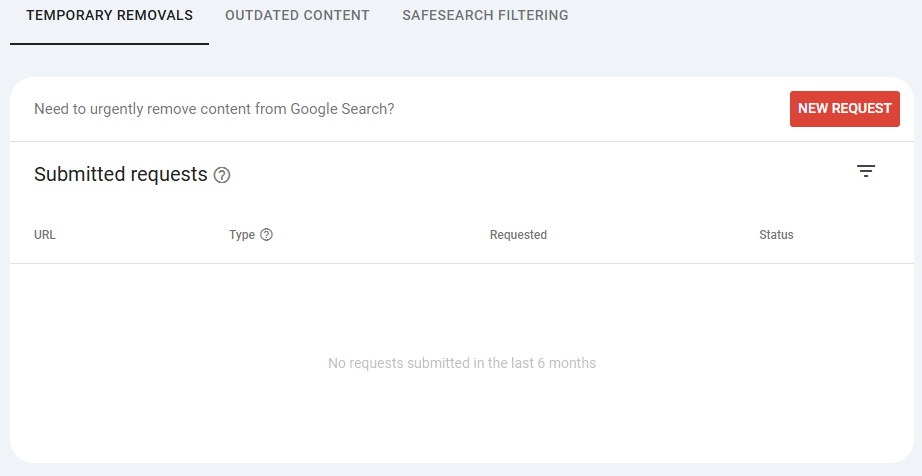
This tool, found in Google Search Console, lets you temporarily hide a URL from search results. It’s intended for your own pages, ones you control in Search Console. A common use case is an old press release, a deprecated product page or a page you’ve already deleted but that Google is still showing.
The key word is temporary. This tool buys you time while Google recrawls and processes the permanent change you’ve made at source. It is not a permanent removal tool. If the page still exists and has content on it, the removal will expire and the page will return to the index.
This is a public tool, meaning you don’t need to be the site owner to use it. It’s designed for situations where a page no longer exists or has changed significantly, but Google is still showing a cached version of the old content. Submitting a request here prompts Google to recrawl the URL and update its understanding of it.
It works when the content is actually gone or changed at source. If the page still exists and the content is still there, the request will be rejected.
If you’re trying to manage what appears in Google for your business and you’d like some guidance, the b:web SEO team can help you work through the options. Get in touch to talk it through.