
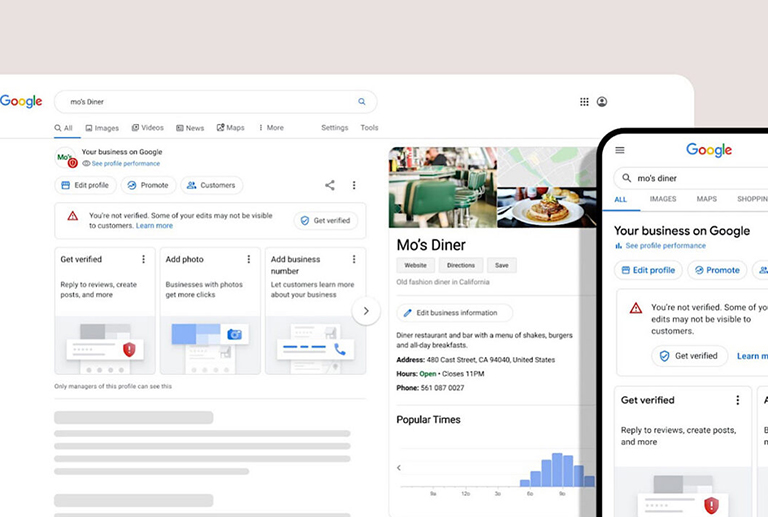
Most business owners set up their Google Business Profile once, fill in the opening hours and a handful of photos, and never go back in. That is a shame, because the profile quietly generates a fairly detailed report on how people are finding and interacting with your business, and most of it is sitting there unread.
Google renamed this section from “Insights” to “Performance” a while back, and it sits inside your Business Profile dashboard under the Performance tab. According to Google’s own support documentation, the report covers views, searches, calls, direction requests, website clicks, messages and bookings, all broken down over whatever date range you choose.
Views are split between Search and Maps, and the split is worth noting. A profile that gets most of its views through Maps but few through Search is probably being found by people already nearby, rather than people actively searching for what you do. The searches section shows the actual terms people typed before your profile appeared, which is genuinely useful, since it tells you in plain language what customers think you offer, rather than what you think you offer.
The metrics worth paying closest attention to are the ones that translate directly into enquiries: calls, direction requests, website clicks, messages and bookings. Views are nice to see, but a profile with thousands of views and almost no calls or clicks has a different problem to a profile with modest views but a healthy conversion rate through to those actions.
If direction requests are strong but calls are weak, your listed phone number or opening hours might be putting people off rather than encouraging them to ring. If website clicks are low relative to views, it is worth looking at whether your profile description and photos are actually persuading anyone to leave Google and visit your site at all.
This ties back to a point we made in our piece on getting found when customers search nearby: a complete profile is only half the job. The other half is checking, every month or so, whether the traffic that profile is generating is actually turning into calls and enquiries, and adjusting the profile itself when it isn’t.
Most businesses treat their Google Business Profile as a one-off task to tick off. The report sitting behind it says otherwise, and it costs nothing to open it.